MSIat415924
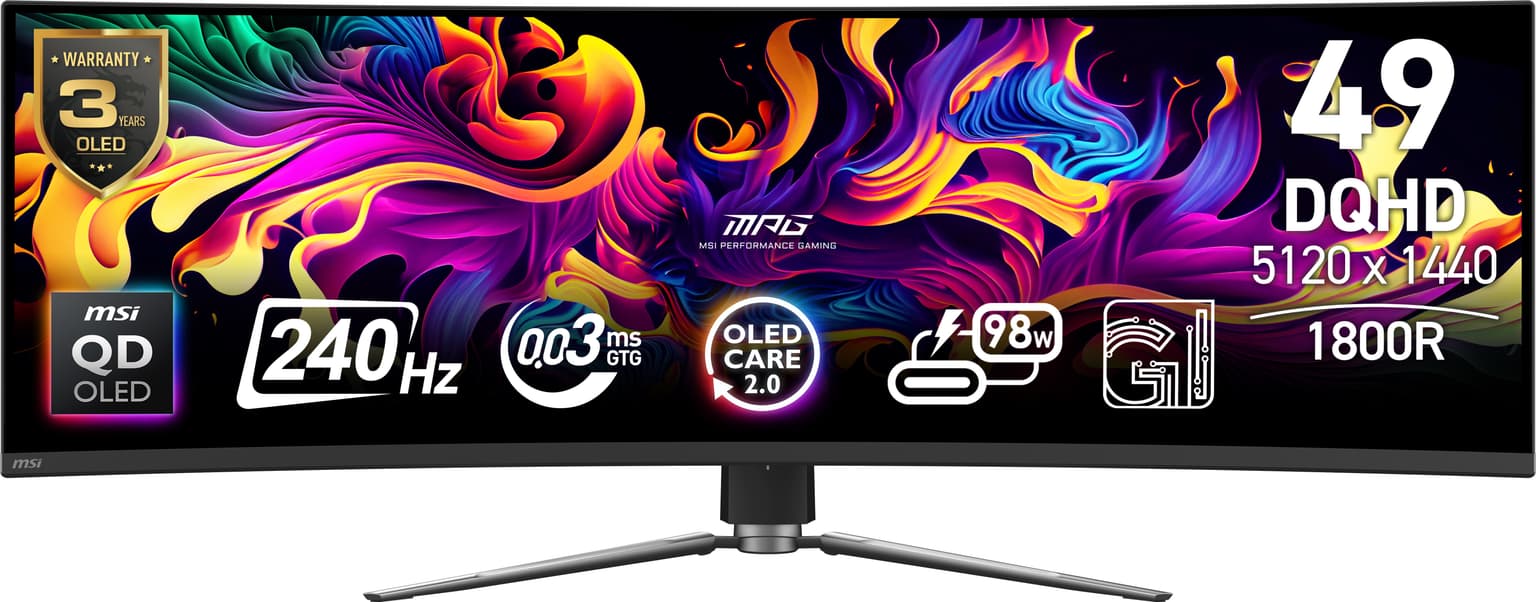
MSI MPG 491CQPX QD-OLED computer monitor 124.5 cm (49") 5120 x 1440 pixels Dual QHD Black
Computer MonitorsIn stock
£1,144.80
£718.56
inc. VAT
80 cm (31.5") 3840 x 2160 pixels 4K Ultra HD LCD Black
Computer Monitors£598.80 ex VAT
93 specifications
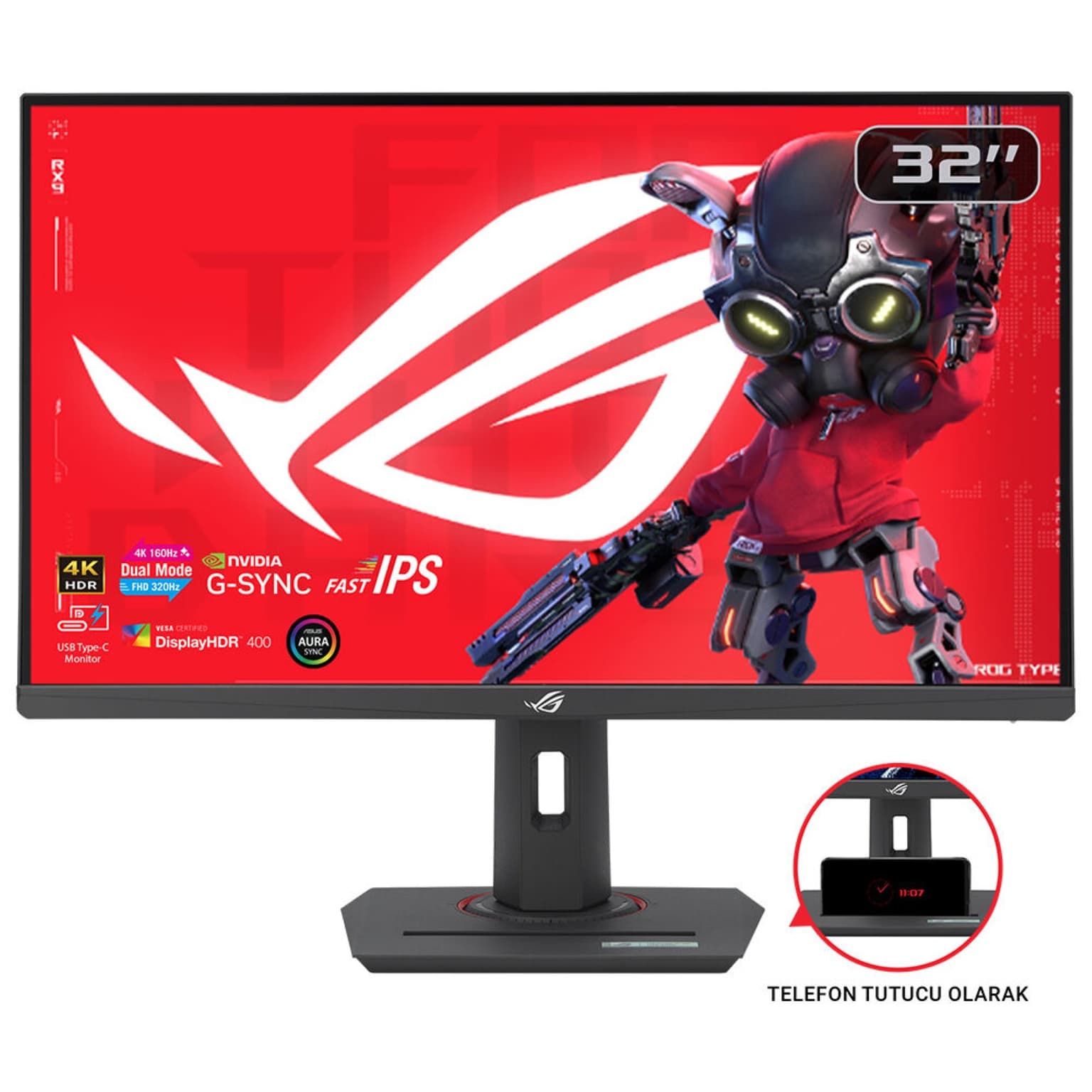
ROG Strix XG32UCG
Utility Redefined<br>Elevate your gaming experience with the ROG Strix XG32UCG, meticulously crafted for utility and performance. Immerse yourself with Frame Rate Boost, allowing the monitor to easily switch via hotkey to a 1080p 320Hz mode for esports ready performance and lightning-fast 1ms response time. Conquer challenges effortlessly with AI-powered features, and enhance your connectivity options with the inclusion of a versatile Type-C connection, ensuring you stay ahead while enjoying the convenience of modern connectivity.
Visual Brilliance Beyond Compare
Immerse yourself in stunning visual precision with the ROG Strix XG32UCG. Its Fast IPS technology, coupled with a vivid 4K resolution and Display HDR400 support, ensures an unparalleled gaming and multimedia experience, bringing every detail to life with vibrant colors and remarkable clarity.
GROUNDBREAKING DUAL-MODE DISPLAY
The ROG Strix XG32UCG gaming monitor breaks the mold with amazing dual-mode feature. This 32-inch gaming display allows you to switch between stunning 4K @ 160 Hz all the way up to a mind-blowing FHD @ 320 Hz visuals with just a tap of a hotkey.
Tear-Free, Ghost-Free Gaming
Enjoy a tear-free gaming experience with G-SYNC & FreeSync compatibility*. This ensures smooth, synchronized visuals by enabling variable refresh rate (VRR). Additionally, ELMB-SYNC technology eliminates ghosting and tearing for sharp visuals and high frame rates while gaming. Integrated ASUS Variable Overdrive technology dynamically adjusts the monitor's overdrive setting as frame rates fluctuate, ensuring optimal results for any game.<br>*In processing, please check the respective official webpage for the latest compatible list.
Vivid Colors, Factory Checked
Immerse yourself in a wider range of vibrant colors with a cinema-standard DCI-P3 95% and sRGB 130% color gamut. Each monitor undergoes rigorous factory checks to ensure color accuracy, guaranteeing a lifelike and immersive visual experience
Versatile Connectivity
Connect your devices with ease thanks to the extensive connectivity options, including a Type-C port* supports DP Alt mode for video out and power delivery, DisplayPort 1.4 for high-resolution and high-refresh-rate connections, and HDMI port for connecting consoles and other multimedia devices.<br>*Need to check whether the USB-C port of your devices supports DP Alt mode prior to use. Please visit the FAQ, here for more information.
AI-Powered Advantage
With AI-powered GamePlus technology, the monitor analyzes the scene on-screen in real-time and adjusts the GamePlus crosshair to enhance targeting accuracy. Additionally, Dynamic Shadow Boost brightens dark areas without overexposing bright areas, providing a clear advantage in low-light environments.
Compact Design, Ergonomic Comfort
This monitor boasts a compact footprint, saving valuable desk space. It also features a convenient phone holder on the stand, allowing you to easily keep your phone within reach and charge it simultaneously via the Type-C port. The ergonomically-designed stand provides tilt, swivel, and height adjustment, ensuring you find the perfect viewing position for all-day comfort. Additionally, VESA compatibility lets you mount the monitor to the wall for even greater flexibility.
Enhance Gaming with 4K on Consoles and the ROG Ally X Handheld*
Enjoy truly immersive 4K** gaming with sharper imagery and clearer text on PlayStation 5, Xbox Series X, Nintendo Switch 2 and ROG Ally X. In addition, Auto Low Latency Mode kicks in automatically for ultra-responsive control the moment gameplay starts.<br>- HDMI 2.1 VRR 4K@120Hz: Ultra-smooth visuals on PS5 and Xbox Series X<br>- USB-C: Seamless video and power delivery to ROG Ally X handheld<br>- Auto Low Latency Mode: Instant control and unparalleled responsiveness<br>Disclaimer:<br>*Support ROG Xbox Ally X(2025) and ROG Ally X(2024).<br>**Frame rates are capped at 60fps for 4K output when connected to Nintendo Switch 2.<br>***Image for reference only.
Effortless Settings Customization
Easily adjust your monitor settings through the intuitive DisplayWidget Center app, eliminating the need for physical buttons. Customize your settings for different games and applications with ease.
Forest Stewardship Council (FSC) Mix
F